Where do the answers come from?
Only from the content you give it — your documentation, guides and product pages. It is not a general web search, and each answer links back to the page or section it used.
Do you retrain a model on our content?
No. The NativeHelpy model is already trained to answer from help content it has not seen. Adding your content is a scan and an index, not a retraining. When your content changes, a re-scan rebuilds the index.
Which languages does it support?
The model comes in a 23-language multilingual variant — English, Romanian, German, French, Spanish, Italian, Portuguese, Dutch, Polish, Czech, Hungarian, Danish, Swedish, Greek, Russian, Ukrainian, Turkish, Arabic, Persian, Hebrew, Hindi, Japanese and Korean — and a lighter variant tuned for English and Romanian. It replies in the language of the question or the page, and a user can switch language from one question to the next. You index your content once; the same index serves every language.
Does it run on our server or on the device?
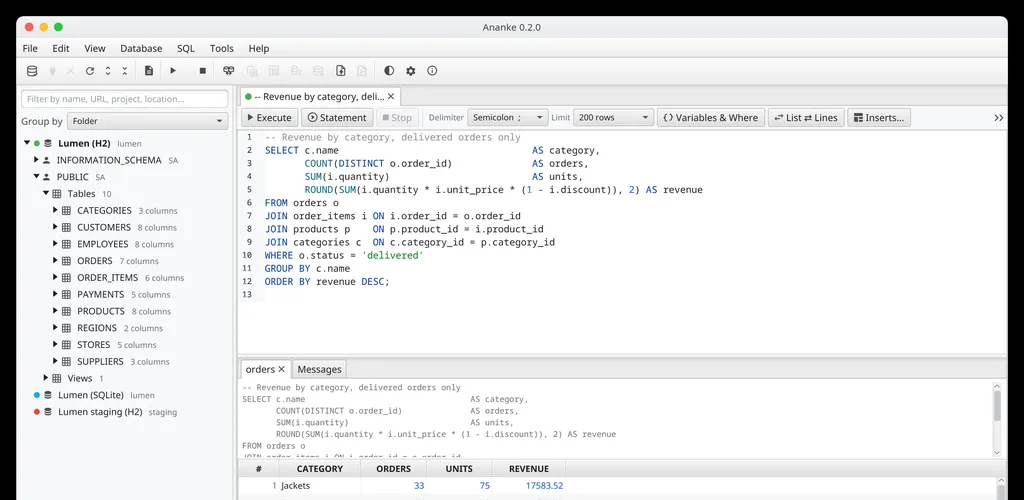
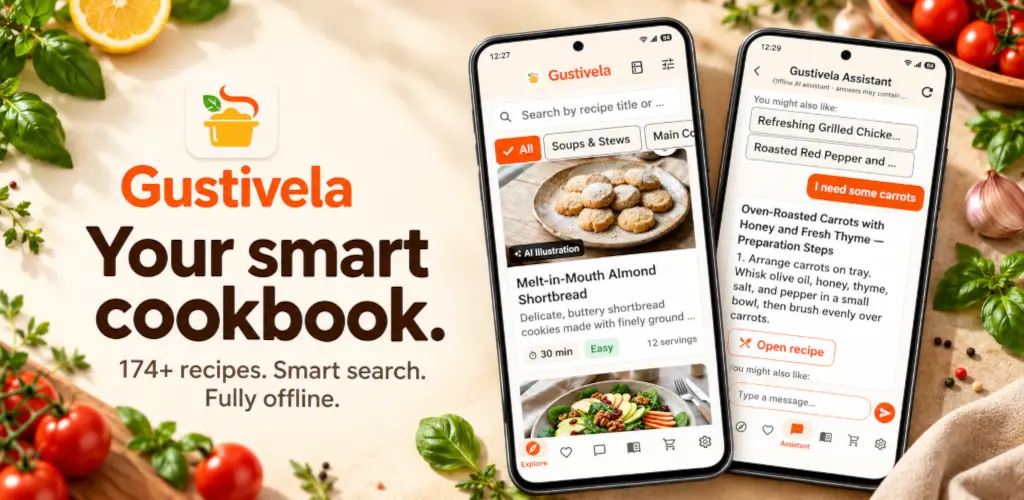
Both — you choose. On a website, a web app or an internal tool it runs on a server (yours or ours) and answers every visitor. In a mobile or desktop app the assistant and its index ship inside the app and run on the user's device. The same engine and the same content fit either mode; Ananke, Gustivela and Clean Backgammon run it on their websites, and the Gustivela app runs it on the device.
Can it be added to any website or app?
It is built to adapt. NativeHelpy takes the content you point it at and appears inside the product your users already use — a website, a web or mobile app, a desktop tool or a help centre — in your own look and language. What a given integration involves depends on your product and your content, which is what we work out together.
Does it work offline?
Once the content and the model are prepared, the assistant answers from them locally, without the open internet, in the implementations that support it — for example on the device in a mobile app. Preparing, installing or updating the content and model is a separate step that does use a connection.
How do we keep it up to date?
Re-scan the source — on demand or on a schedule. Only the parts that changed are rebuilt, and a scan that finds too little keeps the previous version and flags a warning.
Can we control what it answers outside our domain?
Yes, topic by topic. For each assistant you choose what it may talk about beyond your own content: enable or disable one topic (jokes, recipes, weather, sport, general knowledge ...), or enable or disable all of them at once. A banking app's assistant refuses everything outside banking, politely; a recipe app's assistant may also tell a joke. Greetings, thanks and who made it are always answered, and everything else stays grounded in your content.
Can it show examples, not only links?
Yes. When the documentation it answers from contains an example — an SQL query, a shell command, a snippet of configuration — the assistant can show it in its answer as a code block, ready to copy, together with the link to the page it came from.
What are its limits?
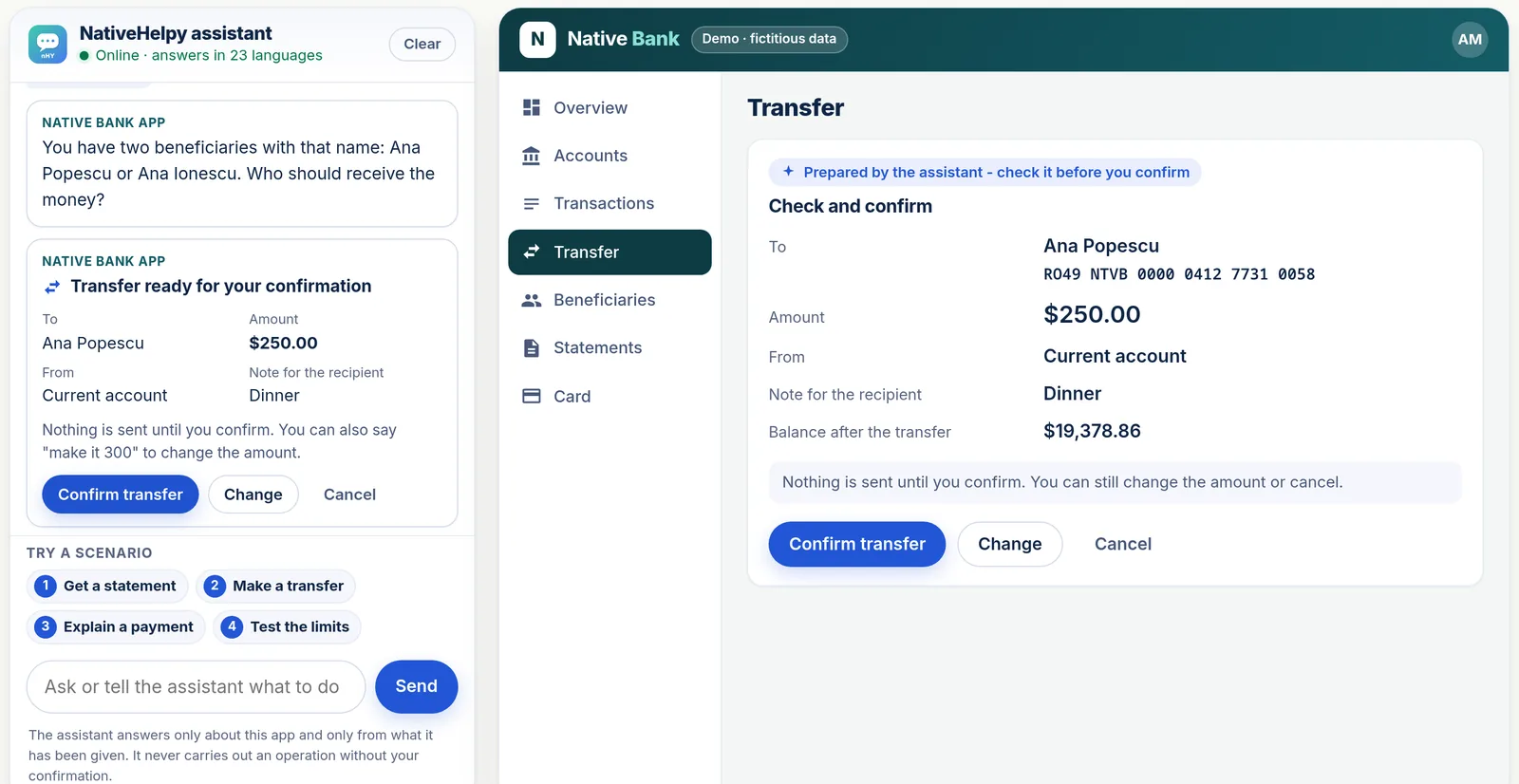
It answers from the content it has, so it is only as complete as your material, and — like any assistant — it can be wrong; the source link is there so a person can check. It explains and points to information. It does not act on its own: inside an app it can prepare an action the app allows - like a transfer in the live bank demo - which the app checks and the person confirms. It does not read private systems or make decisions.
What is HelpyTranslate?
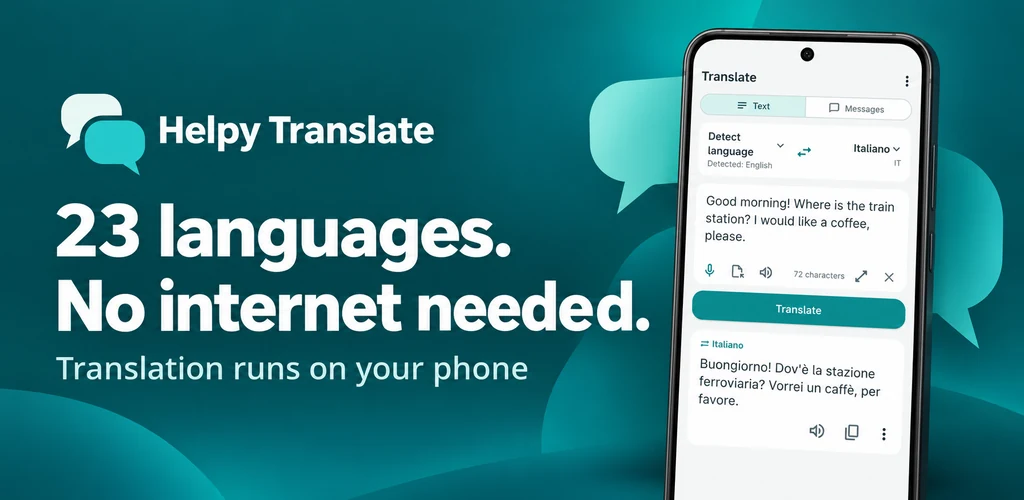
HelpyTranslate is NativeSoft's translator for Android, built on NativeHelpy technology. It translates text, files, photos and conversations between 36 languages with an AI that runs on the phone, without internet, and helps you learn a language. It is on Google Play; its site is translate.nativehelpy.com.
What is HelpyScan?
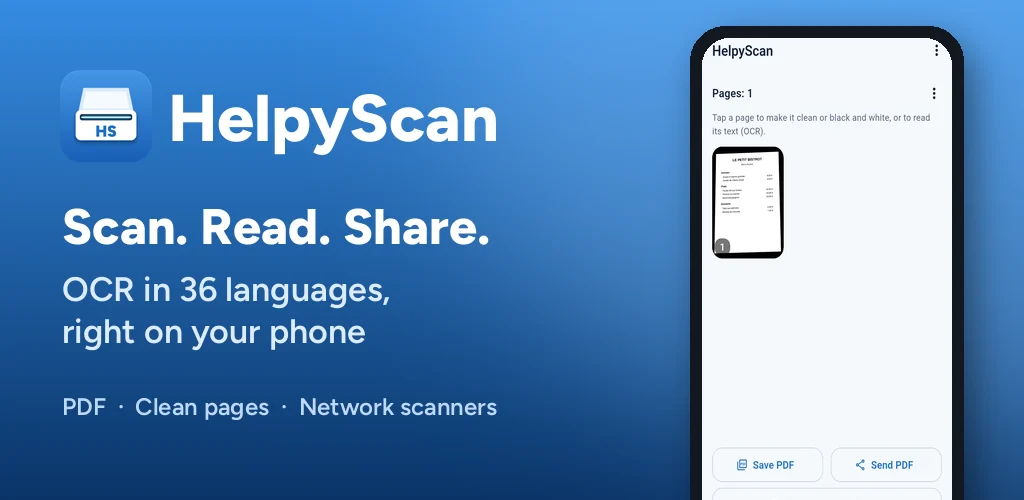
HelpyScan is NativeSoft's document scanner for Android, with OCR in 36 languages. It straightens and cleans pages, reads their text with NativeOCR, an optimized extension of NativeHelpy that runs on the phone, and saves or sends pictures and PDF; it also works with SANE network scanners. Its site is scan.nativehelpy.com.